
Nuvoic TechAbility Ian Karten Charitable Trust
Skip to Content
login
karten Network Logo

Supporting organisations working with disabled people

  • Home
  • About Us
    • Introduction
    • Trustees
    • Support Team
    • Minutes of Board Meetings
    • Karten Centre DVD
  • Research
  • Centres
    • Karten Centre Search
    • All Centres
    • Eire
    • England
      • East Midlands
      • East of England
      • London
      • North East
      • North West
      • South East
      • South West
      • West Midlands
      • Yorkshire and The Humber
    • Israel
    • Northern Ireland
    • Scotland
    • Wales
    • Success Stories
    • Equipment Donation
    • Apply for support
  • News
    • Newsletters
  • Resources
    • Mobile Technology Resource
    • eSafety
    • Useful links
    • Webinars
    • Talent and Technology Report
    • Audio Books
    • Event Handouts
  • Job Vacancies
  • Events
  • Contact Us
  • Home
  • About Us
    • Introduction
    • Trustees
    • Support Team
    • Minutes of Board Meetings
    • Karten Centre DVD
  • Research
  • Centres
    • Karten Centre Search
    • All Centres
    • Eire
    • England
      • East Midlands
      • East of England
      • London
      • North East
      • North West
      • South East
      • South West
      • West Midlands
      • Yorkshire and The Humber
    • Israel
    • Northern Ireland
    • Scotland
    • Wales
    • Success Stories
    • Equipment Donation
    • Apply for support
  • News
    • Newsletters
  • Resources
    • Mobile Technology Resource
    • eSafety
    • Useful links
    • Webinars
    • Talent and Technology Report
    • Audio Books
    • Event Handouts
  • Job Vacancies
  • Events
  • Contact Us

Chromebooks: What are they and are they accessible?

A man holding a Chromebook computer in his hand

What is a Chromebook?

A chromebook is a laptop computer which has the google chrome operating system built-in. Just like windows and Apple Mac computers, Chromebooks can be used for everyday tasks such as word processing, working with email, using the internet and so much more. They are also a lot cheaper to buy, although if you have never used one before, it does take a bit of getting used to. However, I am one of those people who did decide to persevere and learn how to use a Chromebook and it is now my laptop of choice.

Why choose a Chromebook?
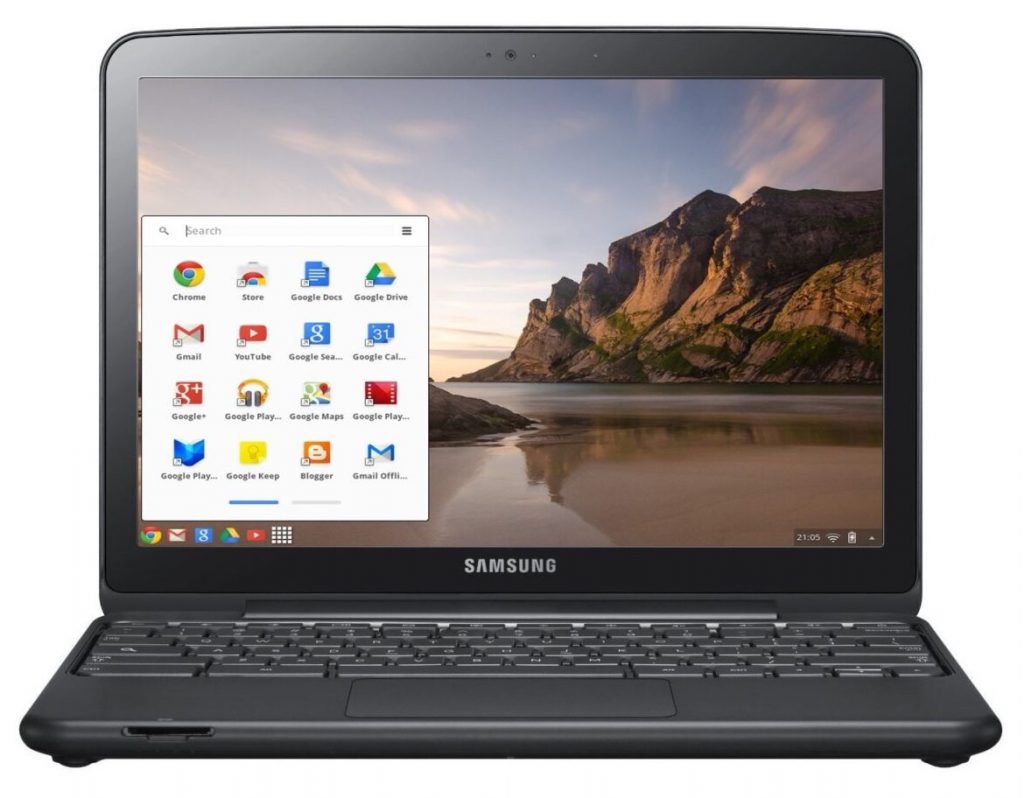
A Chromebook showing the menu with various apps

As I have already said, they are a much cheaper alternative to windows and Apple computers. The main reason for this, is because they require very little storage, my Chromebook only has 32gb. This is of little concern because any work I do is saved and backed up online automatically. For me at least, this is a huge advantage, as it means that I don’t have to back anything up on to an external device such as a memory stick or SD card. It also means that, if for any reason my Chromebook stopped working or was lost or stolen, I could just replace it for less than £200 and all of my previous work would be immediately available after signing-in with my Google account details. While there are other online storage services available, in most cases, you can only use a limited amount of storage. You will then be charged either monthly or yearly if you want to use more. This is not the case with Chromebooks, unless you need to store vast amounts of information. The final point to note, is that Chromebooks don’t pick up viruses very often if at all, because they are continually performing automatic updates in the background when the device is switched on. There is nothing you need to do, just let the Chromebook do the work.

So now we need to ask the question, how accessible are Chromebooks for people with a visual impairment?
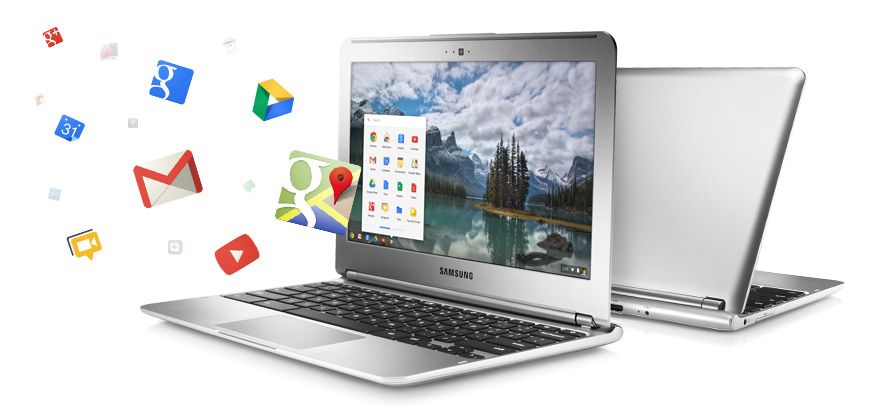
Two Chromebooks, one depeecting various apps flying out of it

The short answer is completely accessible. They have a number of built-in accessibility features to assist people who have low vision or for those who are unable to see the screen and therefore need to use a screen reader. Google’s version of a built-in screen reader is called ChromeVox and it can be used to navigate the entire Chrome operating system and will also work with the Google suite of apps which include:

  • Google Docs [for word processing];
  • Google Sheets [ when you need to work with spreadsheets];
  • Gmail  [for email];
  • Google Chrome [for web browsing];
  • Google slides [for PowerPoint presentations];
  • Google Calendar [for scheduling and keeping track of appointments]; and
  • Google Drive [where all of your files and folders can be accessed]

To turn the ChromeVox screen reader on, press the keystroke Control+alt+z. This is a toggle keystroke to enable and disable the screen reader. When you turn ChromeVox on for the first time, you are taken through a quick start tutorial, which walks you through the basics of using ChromeVox. There are also other fantastic help features built-in to the screen reader, mainly a keyboard learn mode and a keyboard commands menu, which you can access at any time by pressing certain keystrokes.

Final thoughts

After making the decision to purchase a Chromebook and persevere in terms of learning the new operating system and screen reader, I can honestly say that the positives far outweigh the negatives and while Chromebooks obviously won’t be everyone’s preference, they should be seriously considered when making the decision about what computer will best suit your needs.

For more information, please contact Stuart Beveridge.

Tel: 01592 809885

Email: stuart.beveridge@seescape.org.uk

Article meta data

Clicking on any of the links in this section will take you to other articles that have been tagged in the same category.

  • This article was written by the seescape Karten Centre
  • Featured in the Karten Summer 2022 Newsletter
  • This article is listed in the following subject areas: Centre News, Technology

Post navigation

Contributing to the Oral History project
New digital studio
  • Website Feedback
  • Site Map
  • Cookies
  • Accessibility
  • Privacy
  • Data Protection Policy
  • Disclaimer

© 2026. Karten Network

We use cookies on our website to give you the most relevant experience by remembering your preferences and repeat visits. By clicking “Accept All”, you consent to the use of ALL the cookies. However, you may visit "Cookie Settings" to provide a controlled consent.
Cookie SettingsAccept All
Manage consent

Privacy Overview

This website uses cookies to improve your experience while you navigate through the website. Out of these, the cookies that are categorized as necessary are stored on your browser as they are essential for the working of basic functionalities of the website. We also use third-party cookies that help us analyze and understand how you use this website. These cookies will be stored in your browser only with your consent. You also have the option to opt-out of these cookies. But opting out of some of these cookies may affect your browsing experience.
Necessary
Always Enabled
Necessary cookies are absolutely essential for the website to function properly. These cookies ensure basic functionalities and security features of the website, anonymously.
CookieDurationDescription
cookielawinfo-checkbox-analytics11 monthsThis cookie is set by GDPR Cookie Consent plugin. The cookie is used to store the user consent for the cookies in the category "Analytics".
cookielawinfo-checkbox-functional11 monthsThe cookie is set by GDPR cookie consent to record the user consent for the cookies in the category "Functional".
cookielawinfo-checkbox-necessary11 monthsThis cookie is set by GDPR Cookie Consent plugin. The cookies is used to store the user consent for the cookies in the category "Necessary".
cookielawinfo-checkbox-others11 monthsThis cookie is set by GDPR Cookie Consent plugin. The cookie is used to store the user consent for the cookies in the category "Other.
cookielawinfo-checkbox-performance11 monthsThis cookie is set by GDPR Cookie Consent plugin. The cookie is used to store the user consent for the cookies in the category "Performance".
viewed_cookie_policy11 monthsThe cookie is set by the GDPR Cookie Consent plugin and is used to store whether or not user has consented to the use of cookies. It does not store any personal data.
Functional
Functional cookies help to perform certain functionalities like sharing the content of the website on social media platforms, collect feedbacks, and other third-party features.
Performance
Performance cookies are used to understand and analyze the key performance indexes of the website which helps in delivering a better user experience for the visitors.
Analytics
Analytical cookies are used to understand how visitors interact with the website. These cookies help provide information on metrics the number of visitors, bounce rate, traffic source, etc.
Advertisement
Advertisement cookies are used to provide visitors with relevant ads and marketing campaigns. These cookies track visitors across websites and collect information to provide customized ads.
Others
Other uncategorized cookies are those that are being analyzed and have not been classified into a category as yet.
SAVE & ACCEPT